
Guided inventory
Add rooms from ready-made lists, then work through each item so nothing gets missed.
Photograph every room at move-in, compare it at move-out, and share a dated PDF report with your landlord or agent.
Features
A guided checklist for the whole tenancy, from the first photo to the final report.
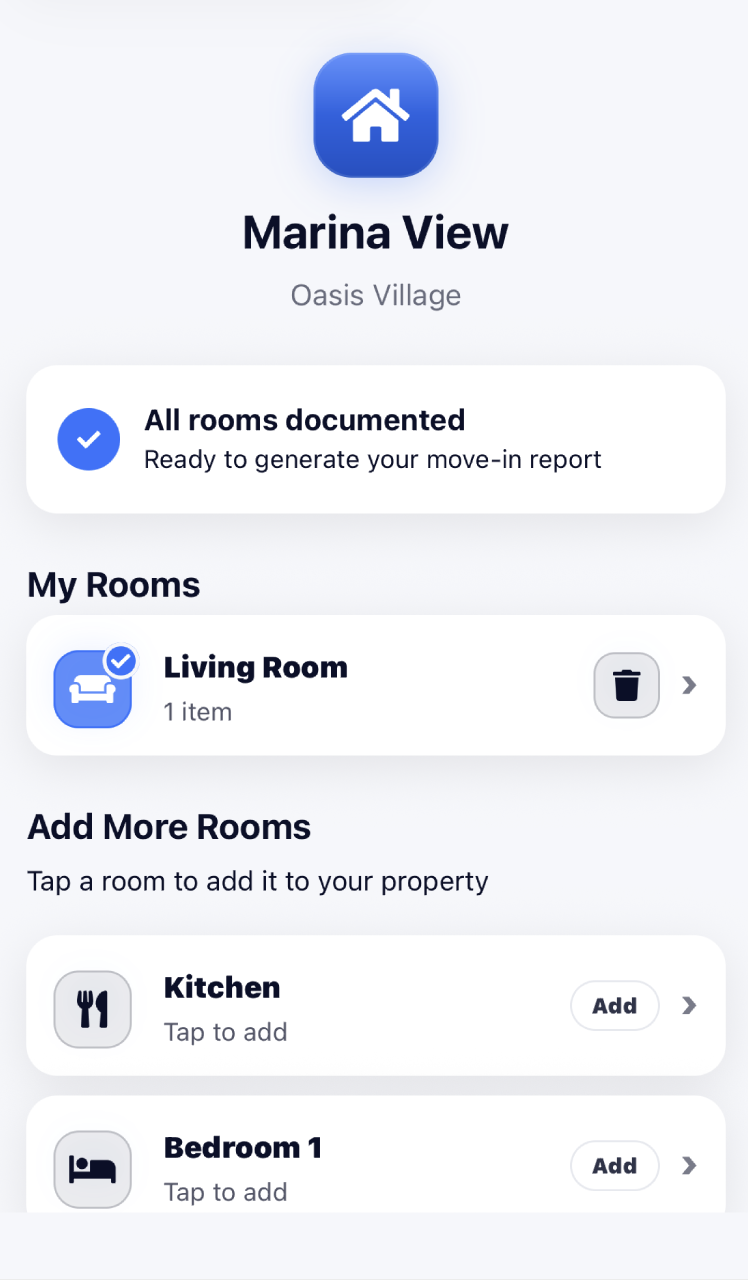
Add rooms from ready-made lists, then work through each item so nothing gets missed.
Take up to five photos per item and draw on them to point out marks and damage.
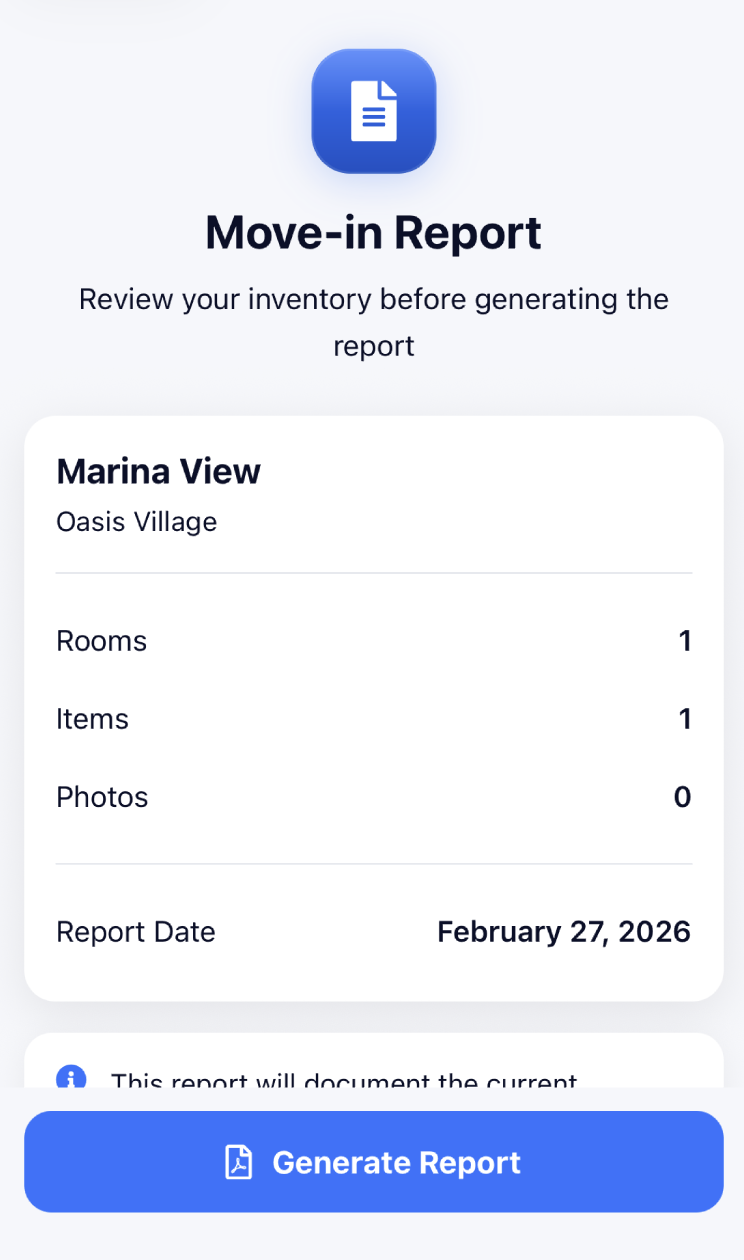
Get a report with your photos, notes and conditions, stamped with when it was made.
At move-out, see each item next to how it looked on day one, and which ones got worse.
Email the report to your landlord or agent, or save and share it from your phone.
Only you can see your properties and photos. Delete your account and data any time in the app.
How it works
It takes about as long as a walk through the flat.
Enter the address and move-in date. Add your landlord, agent and contract details now or later.
Photograph each item, rate its condition and add a note. Create your move-in report.
Go through the same list when you leave, then share the comparison report to back up your deposit.
In the app
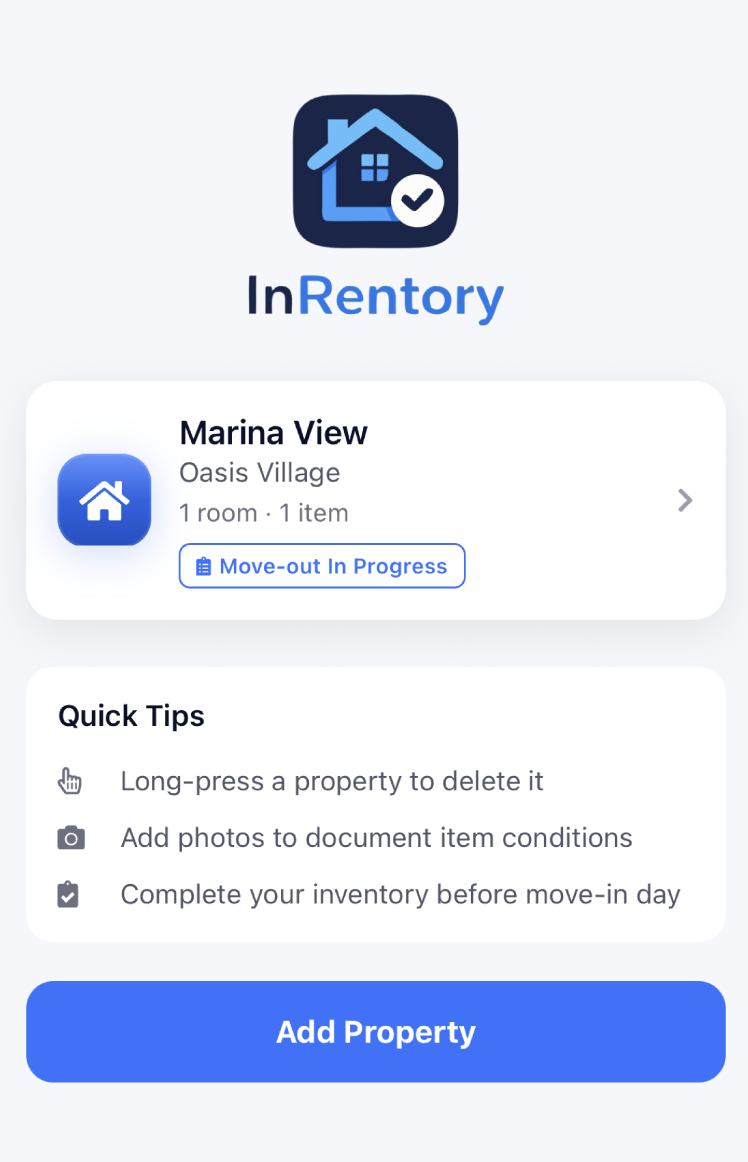
Each property shows where you are and the next step, so you can pick it up again after a break.
Your report
Your landlord or agent gets a clear PDF with every room, photo and note, plus the details of the tenancy.
FAQ
Yes. The app is free to use at launch.
iPhone for now. We will share an update here if that changes.
Only you, unless you send or share a report. Your data is stored in your private account on Google Cloud, in the Middle East region. The privacy policy has the details.
Yes. In the app, go to Account, then Delete account. It removes your properties, photos and reports.
A dated record with photos is strong evidence to show your landlord or the relevant authority. It is not legal advice, and we cannot promise how a dispute turns out.
InRentory is almost here. Questions in the meantime? Email support@inrentory.com.